Error handling is the whole job
Most automations fail quietly, not loudly. The five-layer error handling I put on every n8n workflow, taken from the real bugs that taught me each layer.
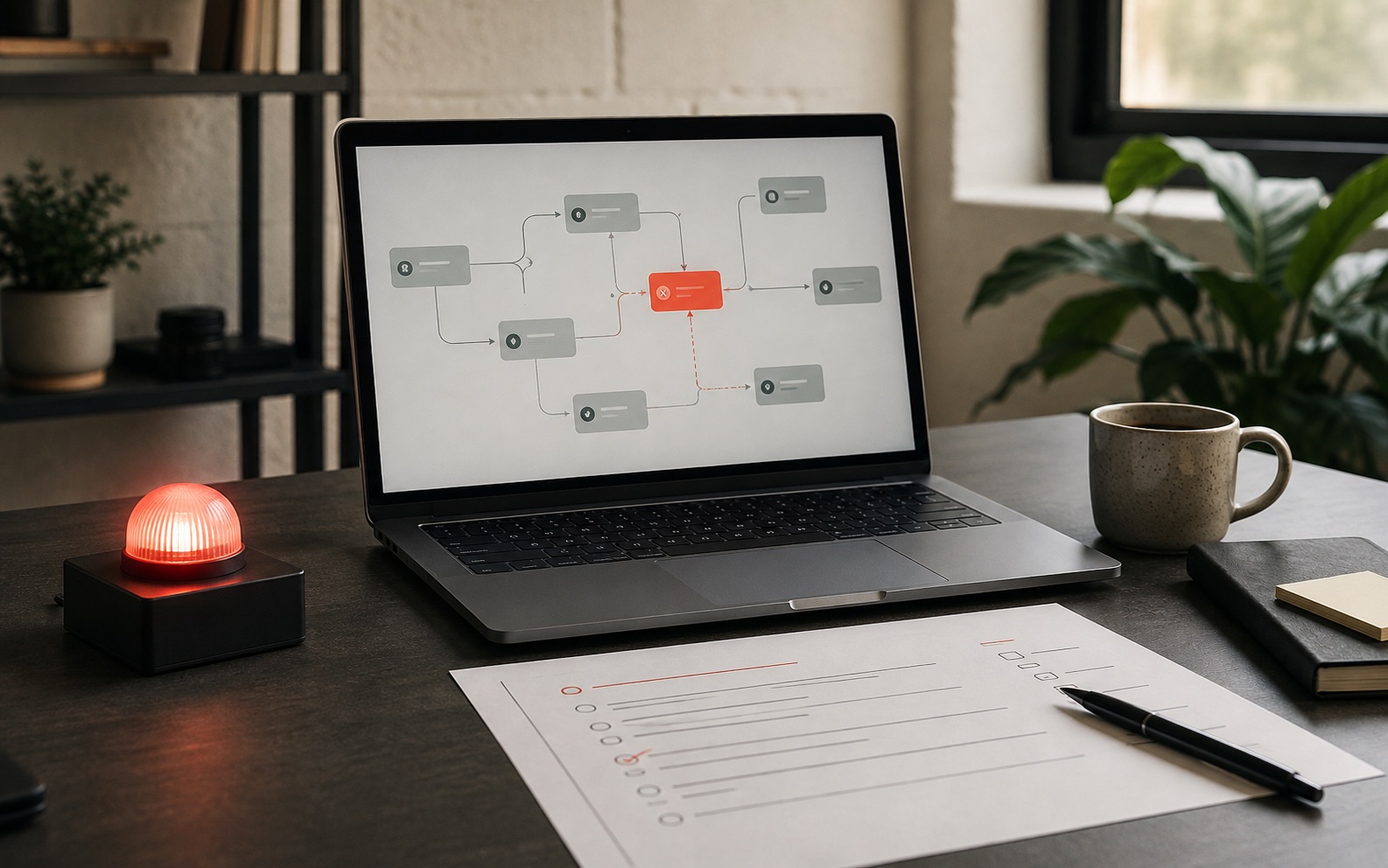
The short answer: good n8n error handling has five layers. Check the data and the business rules separately, stop when something looks wrong, send alerts to a person who will act on them, make every run safe to repeat, and put a human in front of the expensive decisions. The goal is not fewer errors. It is making sure a workflow that goes wrong stops and says so, instead of finishing "successfully" with bad data.
The failure nobody plans for
An automation that crashes is easy. You get an alert, you open the run, you fix the step, everyone moves on. A crash is a gift: it tells you exactly where it stopped.
The dangerous one is the automation that keeps running while doing the wrong thing.
A field goes missing upstream. Your workflow writes a blank value into your accounts for three weeks. Every run shows green. The dashboard says 100% success. Nobody notices until someone reconciles the books, and by then you are not fixing a bug. You are untangling a month of bad data across three systems.
Every workflow I build starts from the assumption that this will happen. Not that it might, but that it will, and the only question is whether the system notices before a person does.
"It errored" is the good outcome
This is the idea that changes how you build.
A workflow can end in three ways: it works correctly, it fails loudly, or it "works" incorrectly. Most people design for the first and treat the second as the thing to prevent. That is backwards. A loud failure is not the problem. It is the safety net. The thing to prevent is the third ending.
So the design question is never "how do I stop this from erroring?" It is: when this goes wrong, does it stop, or does it keep going?
Everything below is five ways of making sure the answer is "it stops".
Layer 1: check the data, then check the rules
The cheapest place to catch a bad record is before it reaches your main records, such as your accounting software or CRM. But "check the input" is really two different jobs, and mixing them is where most workflows leak.
Checking the shape asks whether the data is in the right form: are the required fields there, is the date really a date, is the email really an email. This is boring and mechanical. One simple condition per required field handles it.
Checking the rules asks whether the request is allowed. Not "is this a valid date?" but "is this a Tuesday inside working hours, and is that slot actually free?"
The booking workflow behind this site keeps these in two separate steps on purpose. One step checks only the shape. The next checks the rules, and it is the one that stops someone sending a booking for 3 a.m. on a Sunday straight to the system and skipping the calendar page entirely.
If you only check the shape, your workflow is protected against typos and wide open to anyone who looks at the page's network traffic.
Layer 2: when unsure, stop (fail closed)
Engineers call this "failing closed": if the system cannot be sure, it refuses instead of guessing. Here is a bug that cost me a day, and it is the best argument for it I have.
The site's availability check needs to know which time slots are free. The obvious tool is Google Calendar's built-in "free or busy" query, which is exactly what it is for. So the first version used it.
It quietly marked every working slot as unavailable, on and off, for reasons that made no sense.
The cause: that query cannot tell a meeting from an all-day entry. A birthday, a public holiday or an out-of-office marker each came back as "busy all day". The clue was subtle: the end time it returned was exactly the end of the window I had asked about, because the all-day block had been cut off at my window.
Nothing errored. The service answered "OK". The workflow ran green. It just quietly told every visitor there was no time available.
The fix was to stop asking a question whose answer I could not inspect. Instead I pulled the actual calendar events and filtered them myself:
// Every one of these is a real event that must NOT block a slot.
if (event.status === 'cancelled') continue          // deleted, still returned
if (event.transparency === 'transparent') continue  // marked "Free"
if (event.start.date && !event.start.dateTime) continue  // all-day entry
if (selfAttendee?.responseStatus === 'declined') continue // I said no
That is more code, and it is the right trade. When a new kind of calendar entry shows up, I get a visibly wrong result I can debug, not a mystery "busy" block I have to reverse-engineer.
The general rule: prefer the tool that gives you data you can inspect over the one that gives you a verdict you have to trust. A shortcut that squeezes many cases into one yes-or-no answer is exactly where silent failures hide.
Layer 3: send failures to a person who will look
An error branch that only writes to the run history is not error handling. Nobody reads the run history. It is where you look after someone tells you there is a problem.
Failures need to land somewhere with a person attached: a Slack channel, a Telegram message, or an email that is not from a no-reply address. And the alert has to say enough to act on without opening n8n: which record, which step, what the data looked like, and what the workflow did instead.
Two details make the difference between an alert channel people watch and one they mute:
Alert on the exception, not the run. If your workflow processes 200 invoices and three fail, send one message listing three failures. Sending 200 messages, 197 of which say "fine", teaches everyone to ignore the channel.
Write down every outcome, including the "no". This is the one people skip. It is easy to log successes and errors and forget the middle case: the record the workflow deliberately declined to act on. A lead that failed a check, an invoice below the threshold, a booking outside working hours. If a "no" is not written down, it looks exactly like a record that never arrived, and "did we get their form?" becomes impossible to answer.
Layer 4: make every run safe to repeat
When something does go wrong, you want to re-run a time window, not rebuild the story by hand from a Slack thread.
Two habits make that possible:
Save the original data before you change it. Write incoming data somewhere safe, exactly as it arrived, before the workflow touches it. If a step turns out to be wrong, you re-run it on the saved copy instead of asking the other system to resend three weeks of messages it no longer has.
Make each write safe to repeat. The technical word is idempotency, and the plain version is: running the same thing twice gives the same result as running it once. In practice, pick a stable ID from the source system and update the record that has that ID, instead of always adding a new one and hoping.
Choosing that ID matters more than it looks. In the booking workflow, Calendly bookings are saved against the Google Calendar event ID, not Calendly's own invitee ID, because the calendar ID stays the same when a booking is created and when it is cancelled. So a cancellation updates the row its booking created, instead of adding a second, contradictory row saying the same meeting is both confirmed and cancelled.
Get the ID wrong and every retry doubles your data. Get it right and a replay is free. The unpaid invoice reminders build goes one step further: the database only allows one row per invoice, so a reminder cannot go out twice even if the whole workflow runs twice.
Layer 5: put a human in front of the expensive decisions
Not every decision should be automated, and knowing which ones is judgement, not engineering.
The line I use: automate the decision, gate the consequence. The workflow can decide. Whether that decision writes to your accounts or sends a contract is a separate question.
In practice that means limits:
- In accounts payable (paying supplier bills), a fixed rule compares every invoice with its purchase order and delivery record. Anything more than 2% off goes to the accounts payable team instead of the budget owner. Even a clean invoice waits for a person to approve it before anything reaches the accounts. That is how the invoice approval build works, a complete workflow I built for a fictional sample client.
- When AI reads a document, it reports how sure it is. Below 80%, a person confirms the details before anything else happens, and a scan with no readable text skips the AI and goes straight to the team.
- With a voice agent, a booking is only made once the details are complete and the calendar confirms the time is free. If something fails, the agent is handed a plain message to pass on instead of improvising. The appointment setter is built that way.
That last point is worth stating plainly, because it is the AI version of this whole article: an AI model never decides to stop. It always produces something. Left alone, "I do not know" comes out as a confident, plausible, wrong answer, which is exactly the silent failure you have spent four layers preventing.
So keep fixed jobs in fixed code. Arithmetic, balances, routing rules and limits do not go through an AI model. The model reads messy input and suggests a structure. Code decides what happens next.
Three silent failures worth hunting for
These are the ones that survive all the obvious testing.
Fields that disagree with each other. I found one in my own booking recorder while writing this. It worked out the date and time correctly in Manila time, then saved a time zone label copied straight from the calendar event, which Google had stamped as New York. Each value on its own was believable. Read together, the row was twelve hours wrong. A format check will not catch a mismatch between fields.
Filters that quietly stop matching. If you match on the wording of a provider's email footer or subject line, that filter will one day match nothing when they change their template. Match in your own logic and log what you skip, so a format change shows up as "47 events skipped" instead of a trigger that looks like it is working and is doing nothing.
Empty results that look like success. A step that returns zero items is not an error, so a workflow can finish green having done nothing. Decide deliberately which steps are allowed to return nothing and which should raise an alert when they do.
The test I run before handover
I break the workflow on purpose, in front of the client.
- A damaged PDF, and a PDF that is a photo of a screen
- A record with the key field missing entirely, and one where it is an empty string
- The same form submitted twice, three seconds apart
- The other system answering "too many requests", then "server error", then going silent
- Data in the right format with nonsense values, such as a date in 1970 or a negative quantity
- Someone sending data straight to the workflow without using the form
For each one, the question is not "did it error?" It is: did it stop, did it say something, and can I tell tomorrow that it happened?
If any of them ends in a silent "success", the workflow is not finished. It does not matter how well the normal path runs. The normal path is the part that was never going to be the problem.
The short version
Error handling is not a step you add at the end. It is most of the design, and it is the whole difference between an automation that saves a team time and one that quietly creates a month of work for whoever finds it.
Build the failure path before the normal path. The normal path is the easy half.
If you are choosing where to build this in the first place, how I choose between n8n, Zapier and Make covers the decision. If you want it built and handed over documented, that is what my n8n AI agents and workflow automation service is for.
Frequently asked questions
What is the best way to handle errors in n8n?
Use layers, not one catch-all. Check the data and the business rules in separate steps, send failures to a person through an error workflow that alerts Slack, Telegram or email, log every outcome including the "no" cases, and put an approval in front of any costly action. An error branch that only writes to the run history is not error handling, because nobody reads it until something has already gone wrong.
How do I stop an n8n workflow from failing silently?
Assume the dangerous failure is a green run with wrong data. Check inputs before they reach your main records, decide which steps are allowed to return nothing and alert when the others do, and log the records the workflow chose to skip. Then test it by breaking it on purpose: a missing field, a duplicate submission, an error from the other system.
What does idempotent mean in a workflow, and why does it matter?
It means running the same input twice leaves things exactly as if you had run it once. In practice you pick a stable ID from the source system and update the record with that ID instead of always adding a new one. Without it, every retry or replay creates duplicate or contradictory records.
Should an AI step be allowed to act without approval?
Not where the result is costly or hard to undo. An AI model always produces an answer, even when it should stop, so keep arithmetic, routing and limits in fixed code and let a person approve anything that writes to your accounts, sends a contract or contacts a customer.